


In your currency and with unlimited contacts.


EnvíaloSimple for WordPress
Design professional emails without leaving your website.

Install the plugin in just 3 steps:
#1
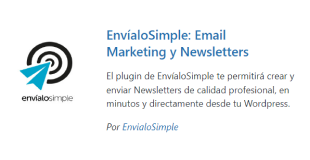
Add plugin
- In the menu, select Plugins > Add New and search for the plugin.
- You can also download the .zip file and upload it manually.

#2
Activation
- Click on Activate to use the plugin.
#3
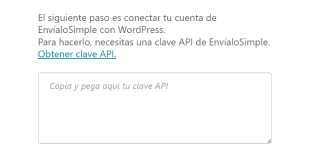
API Configuration
- In the menu, select EnvíaloSimple > Settings.
- Copy and paste your account's API key.
- Save changes to finish.
Start sending today.

Choose the plan that fits your needs.
Unlimited contacts, in your currency. You can change plans whenever you want.